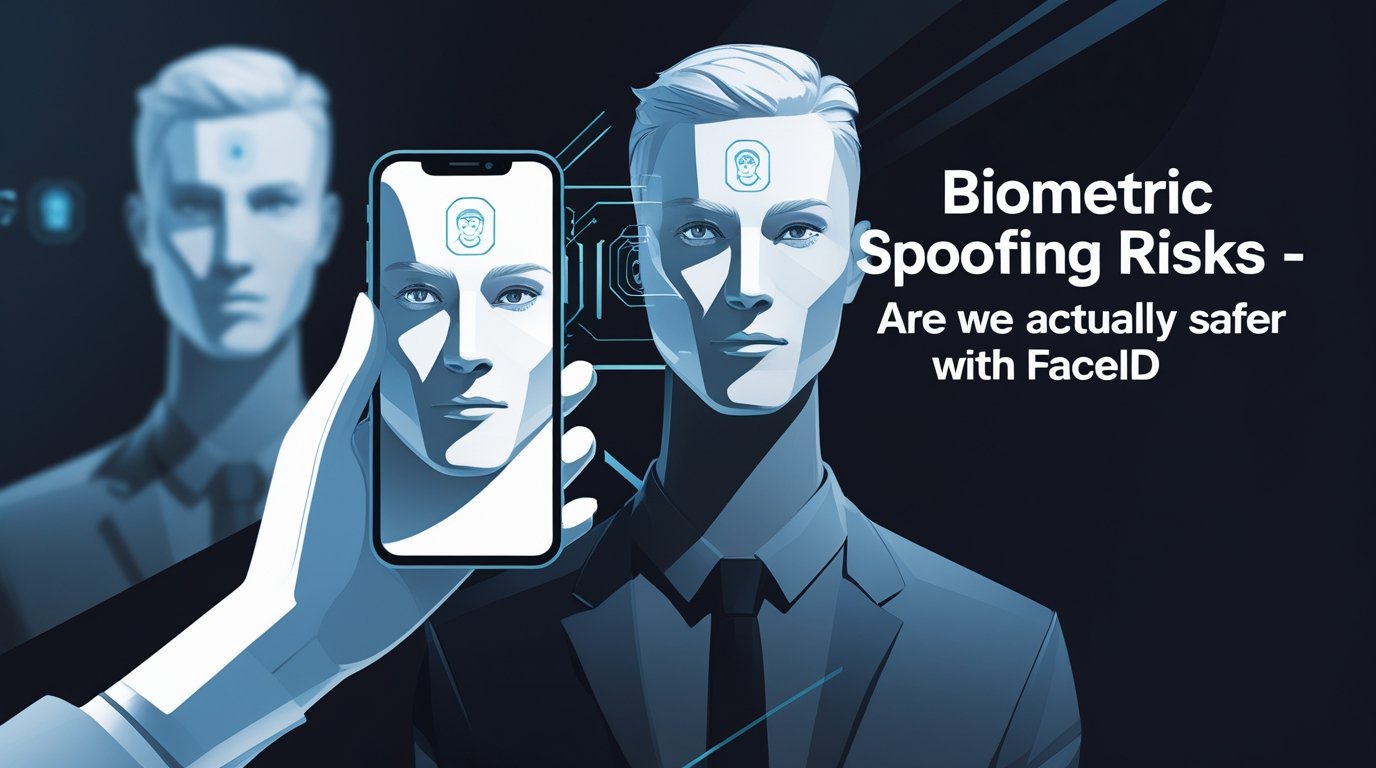
I used to feel like a secret agent every time I glanced at my phone and it magically unlocked. “The future is here,” I thought, “and it has my cheekbones.” I ditched my complex passwords for the sheer convenience of FaceID, convinced that no hacker could replicate my specific, slightly asymmetrical morning face. Then I saw a video of a guy unlocking a “secure” device using a high-resolution photo and two strategically placed contact lenses, and suddenly my digital fortress felt about as sturdy as a wet paper bag. I realized that while I was busy enjoying the convenience, I was ignoring the reality of Biometric Spoofing, the high-tech art of stealing the one password you can never actually change: your own body.
The Day I Realized My Face is Public Data:
In the Technology world, we treat our faces like private keys, but we forget that we leave high-resolution “copies” of our keys all over the internet.
A few months ago, I did an experiment. I took a 4K selfie from my social media, printed it out, and tried to fool an older tablet I had lying around. It worked on the second try. That was my “uh-oh” moment. While modern flagship phones use Infrared depth mapping (Liveness Detection), the sheer amount of high-def data we share makes it easier than ever for a dedicated “spoofer” to build a 3D model of our identity without us ever knowing.
What is Biometric Spoofing?
At its core, Biometric Spoofing (or a “Presentation Attack”) is when someone uses an artifact to trick a sensor.
- The Photo Hack: Using a screen or a printout to bypass 2D facial recognition.
- The Gummy Bear Finger: Using gelatin or silicone to replicate a lifted fingerprint.
- The Deepfake: Using AI to generate a “live” video feed that mimics your expressions and blinking.
In 2026, the risk isn’t just someone holding a photo to your phone while you’re asleep; it’s Injection Attacks, where hackers bypass the camera entirely and feed AI-generated “biometric data” directly into the system’s software.
The Permanence Problem: You Only Have One Face:
This is the scariest part of the Technology shift. If your password is leaked in a database breach, you change it. If your “Face Template” is stolen or reverse-engineered, what do you do? You can’t exactly go out and get a new set of retinas or a different set of fingerprints.
Once a biometric signature is compromised, it is compromised for life. I started looking at my biometrics not as a “Better Password,” but as a “Permanent Username.” You still need a second layer of defense because the “body key” is a one-time deal.
Liveness Detection: The Thin Line of Defense:
To fight back, engineers created Liveness Detection. This is why your phone sometimes asks you to blink, smile, or turn your head.
- Active Liveness: You have to perform a task.
- Passive Liveness: The sensor looks for sub-surface blood flow, skin texture, or “micro-jitters” that a photo or mask won’t have.
I’ve learned that not all “Face Unlocks” are created equal. My budget Android phone uses a standard camera (easy to spoof), while my primary device uses a Dot Projector and Time-of-Flight (ToF) sensors to map the actual topography of my face. If your tech doesn’t have a 3D sensor, you aren’t using “Security”, you’re using a gimmick.
The “Master Print” and AI-Generated Fingers:
I used to think my fingerprint was unique. It is, mostly. But researchers have developed “Master Prints”, synthetic fingerprints that contain the most common features found in human loops and whorls.
Because many sensors only scan a portion of your finger, a Master Print can “guess” its way into a device by hitting enough common points. It’s essentially a “Brute Force” attack on your finger. Combine this with the privacy risks I mentioned in [Browser Fingerprinting | What You Need to Know], and you start to see that “uniqueness” is a very fragile concept in the digital age.
Biometrics vs. Passkeys: Which is Actually Safer?
In 2026, the industry is moving toward Passkeys. I’ve started using these because they combine the best of both worlds.
- A Passkey uses your biometrics locally to unlock a secret cryptographic key stored on your device.
- The Benefit: Your biometric data never leaves the phone, and the “Key” that goes to the website is unique for every single account.
Even if a “Spoofer” gets your face, they still need your physical device to make the key work. This is a much better Technology stack than just relying on a “Face = Access” rule.
The Legal and Physical Vulnerability:
We often forget that biometrics have a different legal standing than passwords. In many jurisdictions, the police can’t force you to reveal a password (thanks to the “right against self-incrimination”), but they can legally force you to put your finger on a scanner or look at a camera.
I’ve made a habit of “Lockdown Mode” on my phone. If I’m traveling through an area where I’m worried about physical theft or forced entry, I trigger a shortcut that disables biometrics and requires a long, alphanumeric passcode for the next unlock.
My “Hybrid” Security Strategy:
I haven’t stopped using FaceID, it’s too convenient to give up. But I’ve changed how I use it.
- High-Risk Apps: For banking and crypto, I require a biometric scan plus a separate PIN or hardware key.
- Sensitivity Settings: I turned on “Require Attention,” so the phone won’t unlock unless my eyes are open and looking at the screen.
- Regular Audits: I check which apps have “Biometric Permission” and strip it from anything that doesn’t strictly need it.
As I discussed in [How I Use Zero Trust Security to Keep the Hackers Out], the goal is never to trust a single point of failure. Your face is just one factor; it should never be the only factor.
The Bottom Line:
Biometrics aren’t a “Security Miracle”, they are a “Convenience Upgrade.” I love not having to type a PIN 50 times a day, but I’ve stopped pretending my face is a secret. In a world of high-res cameras and AI deepfakes, we have to treat our biometrics as the first line of defense, not the only one. Use the tech, enjoy the speed, but always keep a “Plan B” (and a very strong passcode) in your back pocket.
FAQs:
1. Can a high-quality 3D mask fool FaceID?
On most high-end phones, no. They use infrared and heat sensors that a plastic or silicone mask can’t replicate. However, lower-end “Photo-only” systems are very vulnerable.
2. What happens if I get a scar or plastic surgery?
Most modern systems “learn” as you go. If your face changes slightly every day, it updates the template. A major, sudden change will usually force you back to your PIN.
3. Is my fingerprint stored on a server?
If you use Apple, Google, or Samsung Pay, the answer is no. They store a mathematical “hash” of your print in a secure enclave on the chip, not a picture of your finger on a cloud server.
4. Is voice recognition safe for banking?
In the age of AI voice cloning, no. I never use “Voice ID” for anything sensitive. An AI can clone your voice with a 5-second clip from a YouTube video.
5. Does wearing sunglasses stop FaceID?
Usually not, as the infrared light can pass through most lenses to see your eyes. If they are IR-blocking lenses, you’ll have to take them off.
6. Are twins a real risk?
Yes. Identical twins are the “natural spoof” for facial recognition. If you have an “evil twin,” stick to a passcode.